List Management
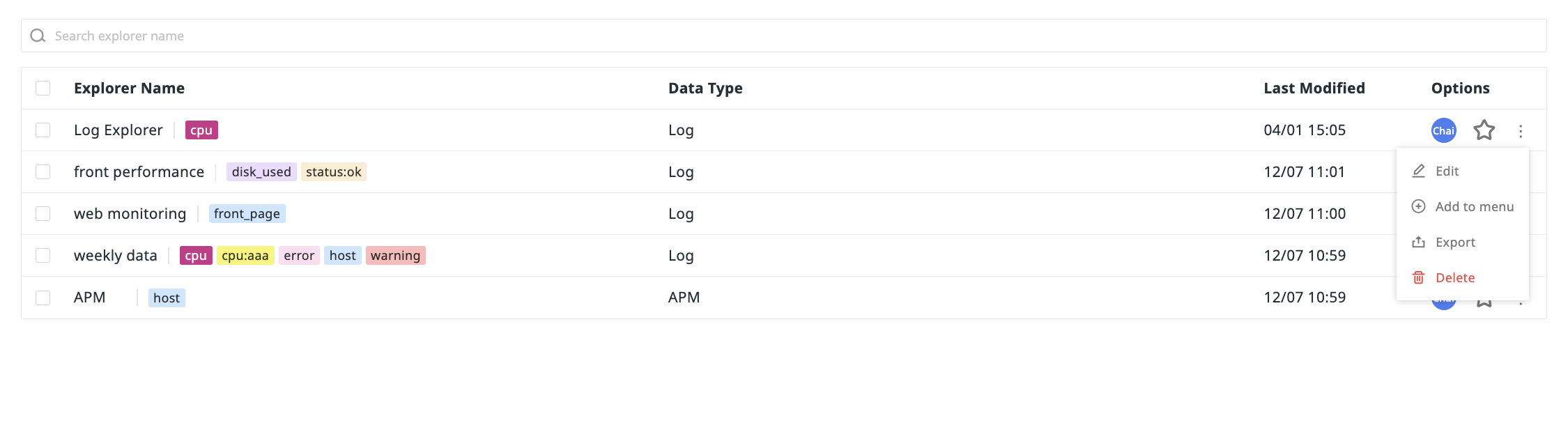
In Scenarios > Explorer List, you can manage the unified dashboard for all created Explorers. It supports full management capabilities such as search filtering, batch operations, and navigation configuration, helping you quickly locate and efficiently maintain Explorer resources, adapting to both personal use and team collaboration management needs.
Search & Filter
In the Explorer List, you can quickly locate and group Explorers using the top search bar and the filtering and tag filtering functions on the left side, thereby improving query efficiency.
For more details, please refer to Explorer.
Batch Operations
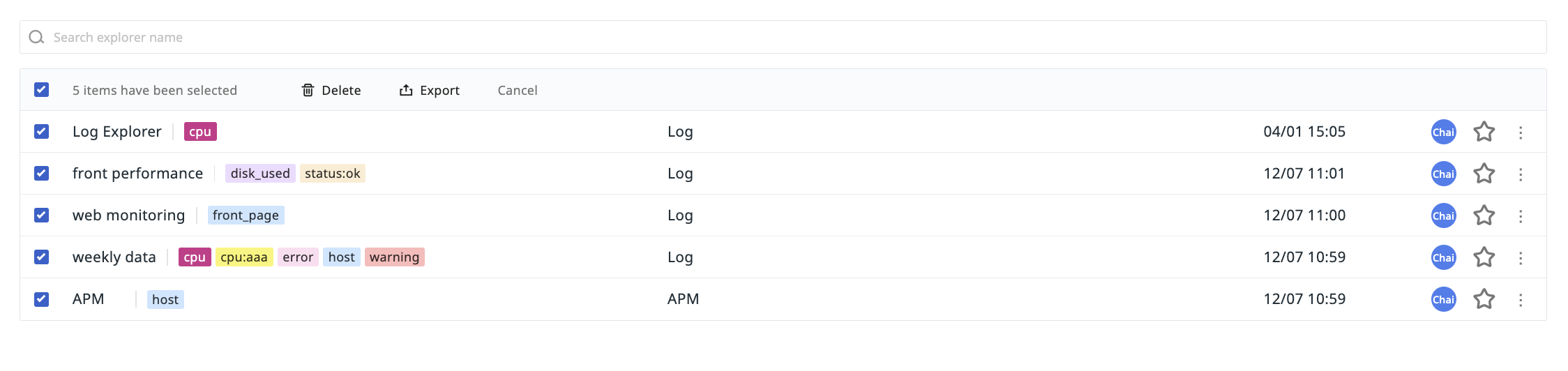
Supports batch deletion and batch export of multiple Explorers:
Add to Explorer Navigation
You can add frequently used Explorers to platform infrastructure, Metrics, Logs, APM, and other navigation menus for one-click quick access:
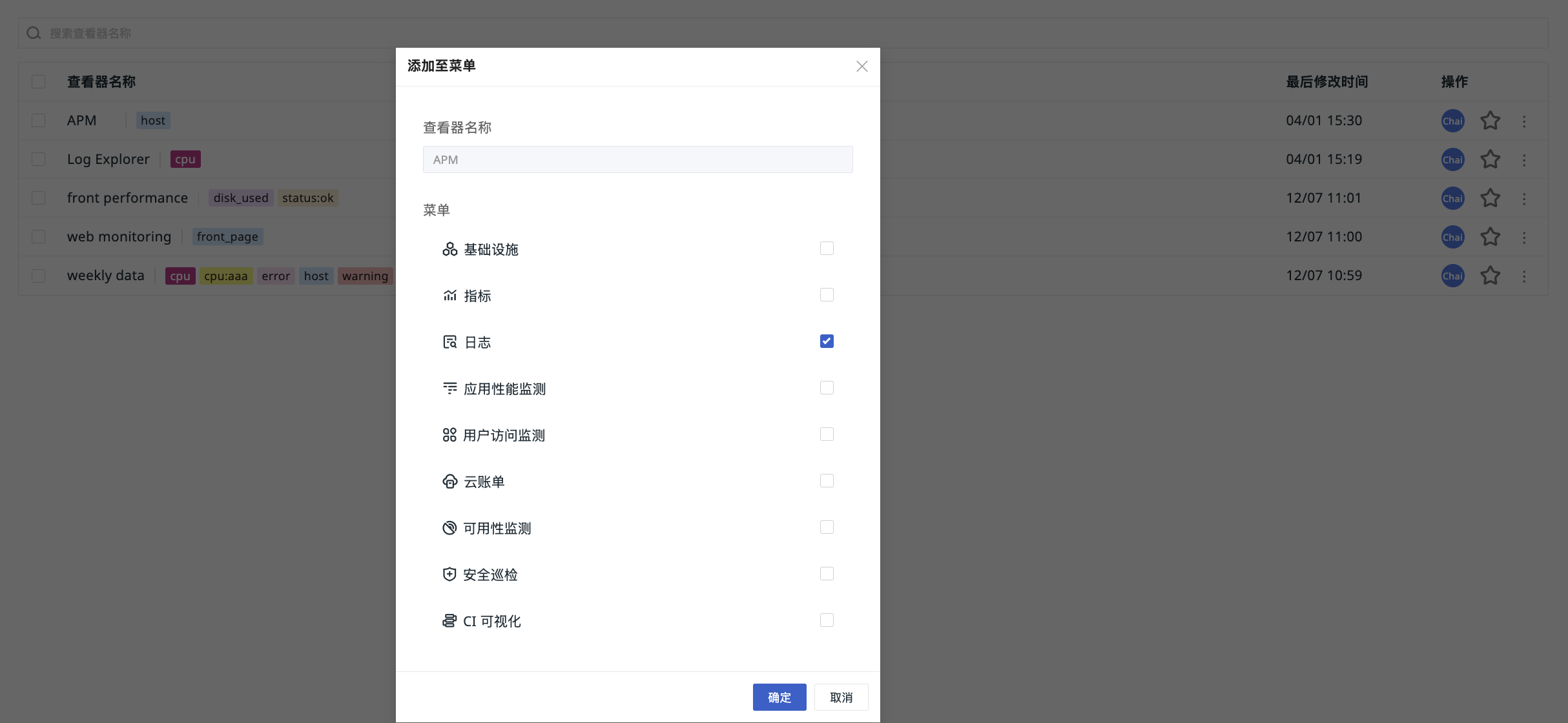
- In the Explorer List, select the Explorer you want to add (e.g., APM), and choose "Add to Menu".
- Select the target menu (e.g., Logs).
- After adding, you can view the custom Explorer in the corresponding navigation menu.
- If you have Scenario Configuration Management permissions, you can also click to edit the custom Explorer, which will jump back to the custom Explorer for editing.