Audit Events
Audit events are generated by user actions within a workspace. They record project usage, user behavior, and resource changes in real time. This includes but is not limited to:
- Workspace management events: e.g., modifying basic settings, changing member permissions, deleting notification targets, license expiration, etc.
- Feature and service usage events: e.g., creating/modifying/deleting views, creating an application detection, disabling a detection library, muting a host, creating or deleting incidents, generating metrics, etc.
- Billing item events: e.g., project usage approaching the free quota, etc.
- ...

Scope of Audit Events
- User login and access behavior records
- User operation behavior records
- OpenAPI operation behavior records
When an incident is created or deleted successfully, a corresponding audit event is generated, recording tracking information such as the workspace, incident ID, operator, and operation time.
Querying Audit Events
In a workspace, you can retrieve audit events using the DQL query:
Managing Audit Events
Go to Management > Audit Events to view all user operation events generated in the workspace.
- In the list, you can search, group, and aggregate events.
- Use the Time Widget at the top of the page to view operation events within different time ranges.
- Click Settings to create a monitor directly from the audit events or export the current audit event list as a CSV.
Group Aggregation
Group events by operator to see the total number of aggregated events triggered by a user in the workspace within a specific time range.

In group aggregation mode, you can also view Aggregated Events. On the details page, you can see all audit events triggered by a specific user (operator).

Audit Event Details
Click a single event in the operation event list to slide out the event details page, where you can view the event trigger time, tag attributes, operator, event content, etc.

You can also use the following fields for custom queries:
| Field Name | Type | Required | Description |
|---|---|---|---|
date |
Integer | Required | Generation time, Unix timestamp, in ms |
df_date_range |
Integer | Required | Time range, in seconds |
df_source |
String | Required | Data source, value is audit for audit events |
df_status |
String | Required | Status, default value is info for audit events |
df_origin |
String | Required | Operation source, records the entry point of the current operation. Reference values: |
df_menu |
String | Required | Menu path accessed by the user, e.g., Logs-Explorer |
df_event_id |
String | Required | Unique event ID |
df_title |
String | Required | Title |
df_message |
String | Required | Description |
df_user_id |
String | Required | User ID |
df_user_name |
String | Required | User name |
df_user_email |
String | Required | User email, corresponding to the id, name, and email in Member Management |
df_user_team |
String | Required | Current team of the user |
df_role_scope |
String | Required | Current role scope of the user |
df_operation_id |
Str | Required | Unique ID of the actual operation corresponding to the current audit |
df_operation_name |
Str | Required | Menu name corresponding to the operation that generated the current audit. For example, if a notification policy operation corresponds to an audit event, this field is the name of the notification policy. |
df_query_typeDQL |
String | Required | Query type |
df_query |
String | Required | DQL query |
df_query_range |
String | Required | DQL query duration, in ms |
df_cost |
String | Required | DQL query cost |
df_hit_count |
String | Required | Query hit count |
df_workspace |
String | Required | Workspace to which the audit event belongs |
Data Storage
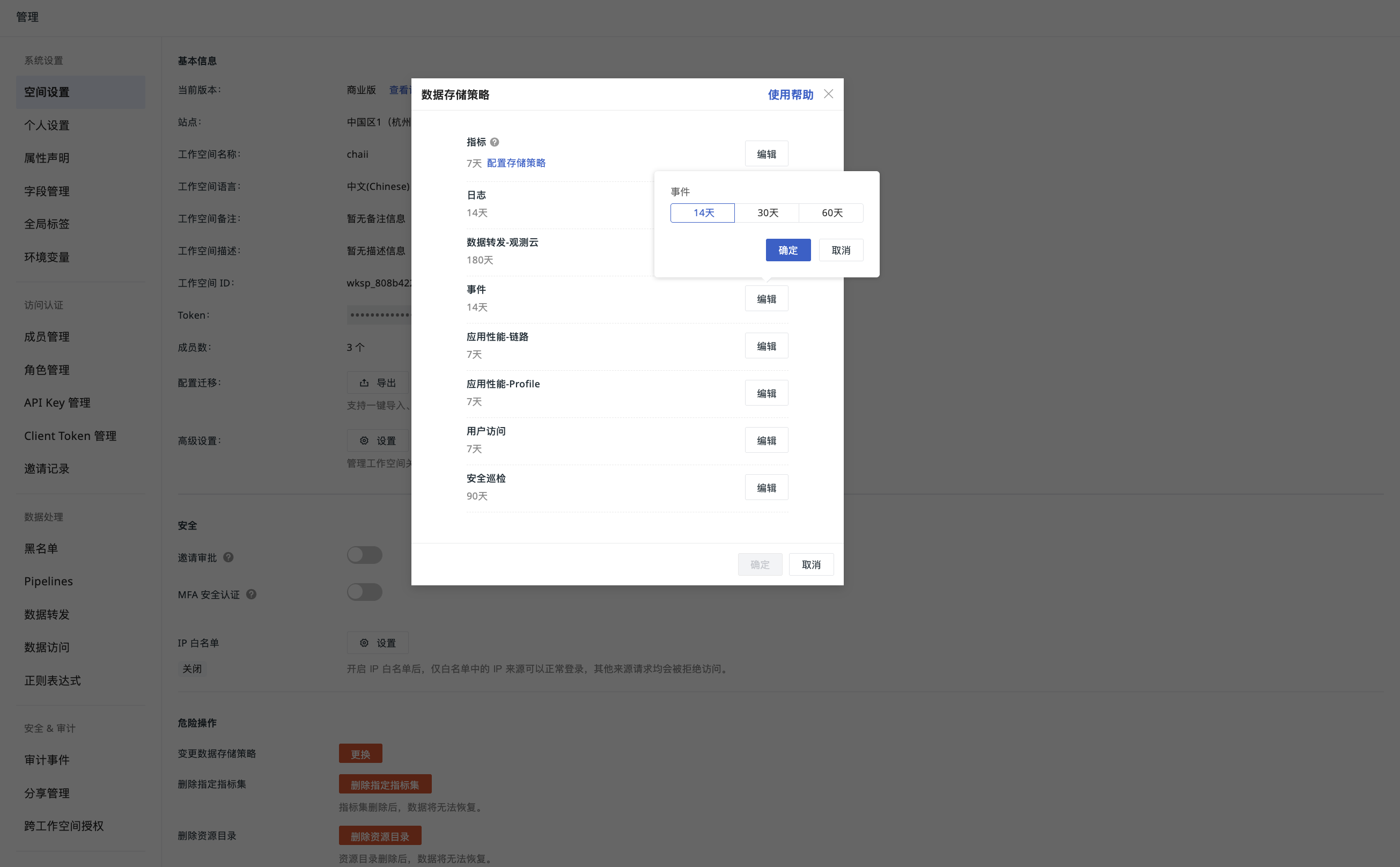
Audit event data is stored independently and is not related to the event storage policy of other workspaces. The default storage duration is 2 years. You can view and adjust the storage policy by going to Management > Settings > Change Data Storage Policy.